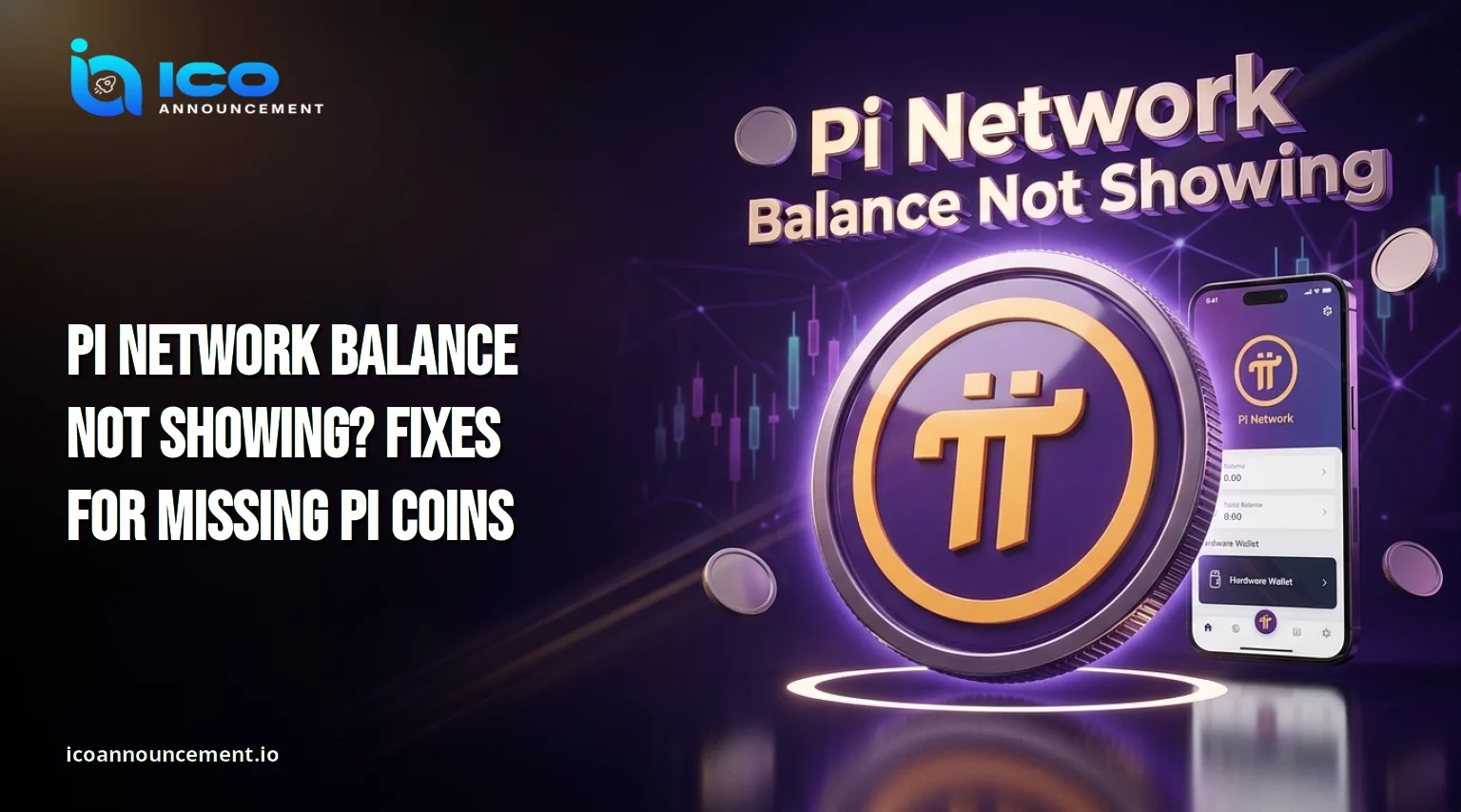
Why Is Your Pi Network Balance Not Showing? 7 Common Reasons
A Pi Network balance not showing is one of the most common worries among Pioneers. In most cases the cause is a mismatch between what the mining app displays and what the Mainnet wallet holds.
This guide explains the usual reasons, how to check the right wallet, and how to avoid recovery scams.
It does not promise that every missing balance can be restored, because results depend on account status and official processing.
Why Is Your Pi Network Balance Not Showing? Common Reasons Explained
The app screen, the transferable amount, and the wallet are three different views of your holdings, so they rarely match at the same moment.
Common reasons include:
Account verification is still pending, which can hold back migration. Our Pi Network KYCde fixes guide covers the typical blockers.
Migration is still in progress, so part of the amount has not reached the chain yet.
You are looking at a different address from the one used during migration.
The app has not refreshed after a recent update.
A balance that looks missing is not automatically lost.
Treat it as a status question first and a recovery question later.
Coins Missing From Your Mainnet Wallet? Check These Things First
Before assuming coins are gone, confirm that you are viewing the wallet you actually migrated to.
Many Pioneers hold more than one address, and a fresh one will naturally show zero. Work through this short list:
Compare the address in your app with the one you set up earlier.
Open the transaction history and look for an incoming migration entry.
Confirm that you are using the official app and not a copy.
Review the Pi Network migration guide to see whether a checklist item is incomplete.
If a migration entry exists, the coins reached the chain, and the issue is only about display or availability.
The FAQ and support page explain how the mobile balance becomes transferable after verification and the checklist.
Transferable Balance Explained: Why Some Coins Are Unavailable Now
Your mining total, transferable amount, and migrated amount are three separate numbers.
The mining total is what the app accumulated over time. The transferable portion is unlocked and free to send.
The migrated portion is what has already moved to the chain. Some tokens can stay locked because of account status, lockup choices, or amounts the network does not yet treat as transferable.
A low transferable figure therefore does not always signal an error. If you plan to cash out later, read how to sell PI for the conditions that apply.
Any PI price prediction for 2026 also matters only once your tokens are unlocked.
How to Check Your Holdings in the Mainnet Wallet Step by Step
Open the wallet from the official app, never from a link sent in a message.
Note the address and compare it with your migration record.
Read the available and locked amounts as separate lines.
Open the transaction history and check each entry's confirmation status.
Refresh after updating the app.
Save your address and transaction details before contacting anyone, since they help official support understand your case.
Never share your passphrase.
Balance Not Updating? Possible Fixes and Safe Checks for Pioneers
If the figure looks frozen, update the app, restart your phone, and test your connection.
A pending transfer can take time to confirm, so wait before repeating it, because duplicate attempts can complicate your history.
Verify the transaction and account status first.
If the problem persists, gather screenshots and use official support channels.
The core team has also announced fixes for some KYC and migration edge cases, so watch its official updates for changes.
Are Your Coins Safe? Avoid Fake Recovery Tools and Wallet Scams
Missing holdings attract scammers.
Be careful with:
Websites that promise guaranteed recovery of lost coins.
Social accounts posing as support that message you first.
Anyone asking for your passphrase, even once.
Requests for a fee to restore your holdings.
No legitimate service needs your passphrase, so keep it offline and private.
Basic account safety steps are listed in the Safety Center guidance.
For verified developments, follow official announcements and our Pi Network's latest trends coverage.
If your Pi Network balance issue continues, rely on the official checks above rather than shortcuts.
Disclaimer: This article is for information only and is not financial advice. Verify current details through official Pi Network resources, as processes can change.