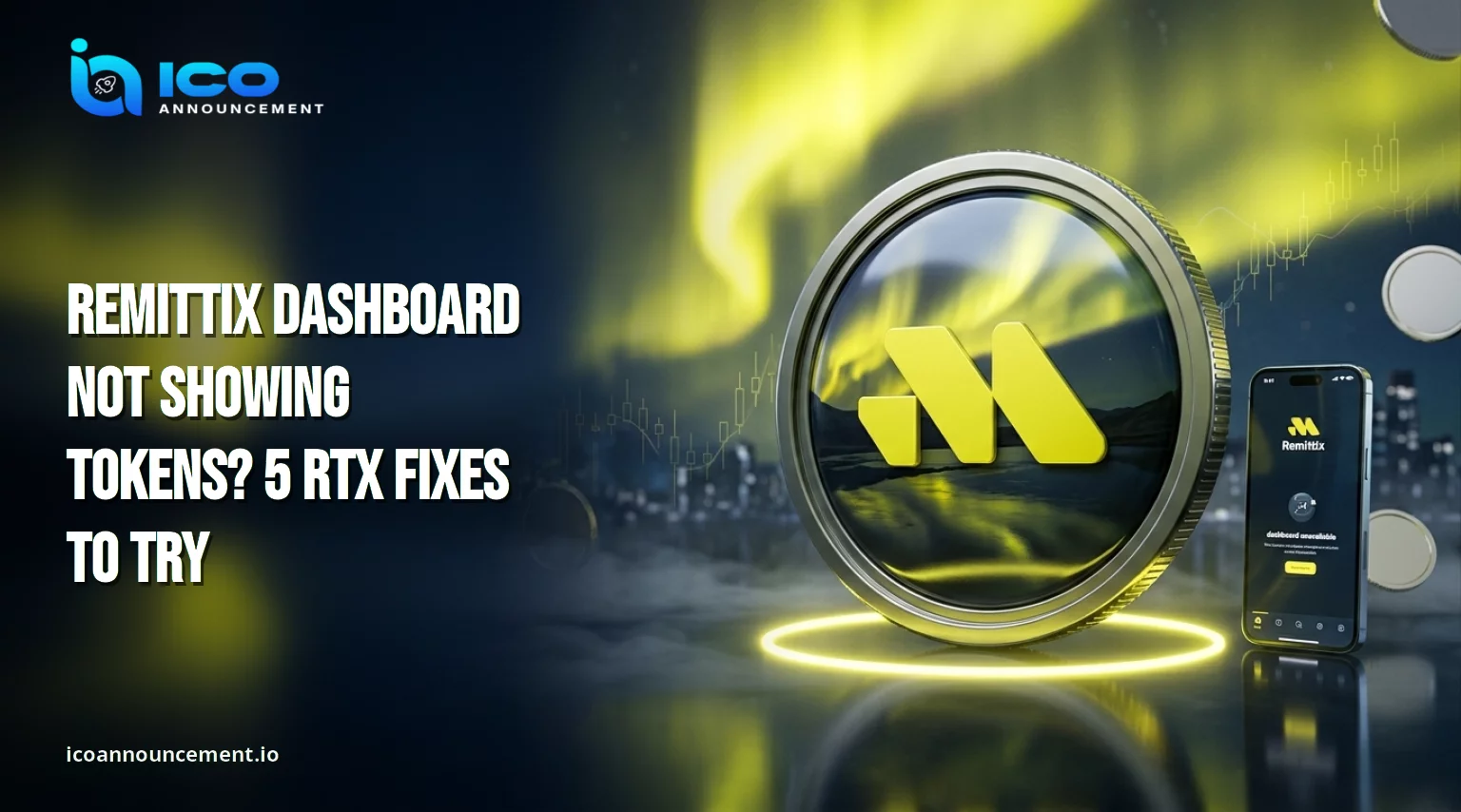
Remittix Dashboard Not Loading? Check These Three Basic Things First
Seeing a blank page, an unavailable account or a missing balance can be alarming. When the Remittix dashboard shows no RTX, the first question is whether the connection is wrong or the allocation is actually missing. A mismatch between address, network, and session is a common cause, so the quick checks below come first.
On November 25, 2026, the project's official X account said it was working through support and wallet-change requests after reports that some users could not reach their accounts. It also warned about impersonators. That confirms an access issue was being handled. It does not prove anyone's allocation is lost.
What Did Remittix Say About Missing RTX Tokens After November 25?
The post, available through the official X update, said the team was processing support and wallet-change requests so users could regain access to their accounts and tokens. It did not give a case-by-case diagnosis or say every missing balance had been restored.
So an empty screen is a reason to investigate, not proof of a lost allocation. Keep three things separate: access to the dashboard, the purchase record linked to your account, and the actual balance at a receiving address. They are related, but they are not the same record.
Remittix Dashboard Not Loading? Check These Three Basic Things First
Fix 1: Use the official page. Open the Remittix dashboard from the official project website, not from ads, shortened links in direct messages, or lookalike domains. Bookmark it only after checking the URL.
Fix 2: Reconnect the original wallet. Select the same account used for the contribution. A different account inside the same app shows a different balance. If the login offers both email and wallet options, use the method you used at purchase.
Fix 3: Confirm the network. Published purchase instructions refer to Ethereum (ERC-20), so check the connected network before judging the balance. Never add a token using a contract copied from a chat message.
RTX Tokens Still Missing? Verify the Purchase and Browser Session
Fix 4: Check the transaction hash. Find the original hash in your wallet history and confirm on a blockchain explorer that the payment succeeded. Compare the destination and amount with your saved record. A successful payment and a visible balance are separate checks.
Fix 5: Reset the session. If the Remittix dashboard still looks blank, disconnect and reconnect, wait for the page to finish loading, and then try a private browser window or clear the site cache. Dashboard synchronization can lag behind the blockchain.
Never share a seed phrase or private key with anyone offering to sync the account.
Are RTX Tokens Missing, or Is the Wallet Linked to Another Address?
A presale view can show an allocation tied to the account used for payment, while a wallet app shows whichever address is selected right now. If you paid from one address and later connected another, the balance can look empty even though the original record still exists.
Compare the connected address character by character with the one saved at payment. If the original wallet is lost or compromised, the wallet address recovery guide explains the announced change request process. Never paste a recovery phrase into a site, form, or extension.
How Can You Confirm Your RTX Purchase and Allocation on Record?
Use the transaction hash and the confirmation saved at payment. Check that the transaction succeeded and that the dashboard recognizes the same address. The presale dashboard guide shows where purchase records and allocation details normally appear.
Keep screenshots of the confirmation, the hash, and any error message, and hide personal details before sharing them publicly.
What Should You Do If RTX Still Does Not Appear After Every Check?
Do not repeat the purchase because a page looks empty. Preserve the hash and confirm the address first. Then use the support route currently linked from the project's official channels and include the purchase date, transaction hash, public address, and a screenshot of the error.
If the issue is about distribution rather than access, the RTX token claim guide covers how claiming is described. Never pay an unsolicited account for priority support.
How to Avoid Fake Remittix Support Accounts and Private Messages
The November 25 message warned about scammers contacting users privately. Treat unexpected direct messages as suspicious, even when the account uses the project logo or claims to be an administrator.
Real support should not need a recovery phrase, private key, password, or remote access to your device.
Use only links from the project's own website. Before interacting with any token, compare its details with the RTX contract verification guide. A matching logo or ticker is not proof that a page or contract is genuine.
What Is Confirmed, and What Should Holders Wait to Verify Next?
As of November 27, 2026, the latest public update reviewed for this article is the November 25 statement about outstanding support and wallet-change requests. It gave no resolution timeline for individual accounts.
Confirmed: an access issue was being handled, and impersonators were active. Not confirmed: that any particular balance is lost, or when each case will close. For unlock timing, see the RTX vesting schedule.
Rely on a fresh notice from the project, not screenshots, unofficial countdowns, or chat group claims. Until then, an empty screen does not mean funds are gone, and no third party can fix it for a fee.
Disclaimer: This article is for informational purposes only and does not constitute financial or investment advice. Always verify project announcements and wallet information through official channels.