Missing PI After Migration? 7 Quick Checks Before You Panic Now
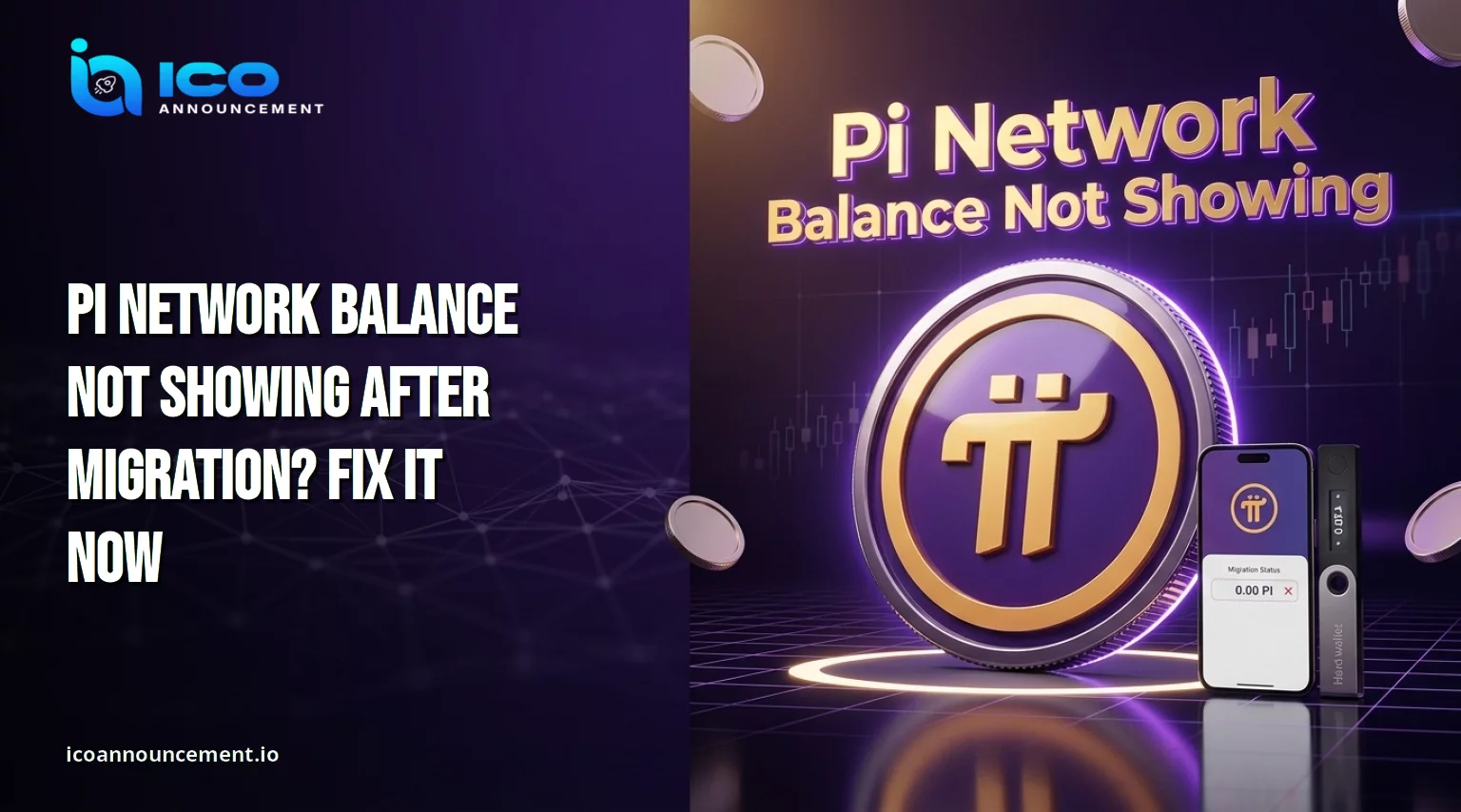
Pi Network balance not showing is a worry that hits many Pioneers after the move to the live blockchain.
You open the wallet, expect your mined coins, and see a smaller number or a zero. Do not panic yet. In most cases the cause is a status or address mismatch, not a lost coin.
This guide covers the usual reasons, the checks that matter, and the scams to avoid.
It does not promise that every missing balance can be recovered, because results depend on account status and official processing.
Key Takeaways
The mining app, the migrated amount, and the transferable amount are three different numbers.
Only a full KYC pass allows migration. Tentative approval does not.
On September 17, 2026, the core team said over 417,000 Pioneers flagged as possible duplicates could move forward.
About 497,000 Fast-Track wallet holders could not claim because they lacked enough coins for the gas fee.
Enter your passphrase only in the official wallet. Nobody can restore coins for a fee.
Why Is Your Pi Network Balance Not Showing After Mainnet Migration?
The mining app, the Mainnet wallet, and the transferable amount are three separate views of your holdings.
They rarely match at the same moment. Common causes include pending verification, a migration that has not finished, a different wallet address, and an app that has not refreshed after an update.
A balance that looks missing is not automatically lost. Treat it as a status question first and a recovery question later.
Our Missing PI balance fixes page lists the quick checks in order, so start there before you change anything.
Pi Network KYC Pending or Not Approved? Check These 6 Fixes Now
The core team published a KYC and migration update on September 17, 2026. It cleared over 417,000 pioneers flagged as possible duplicates.
It is also named 497,000 Fast-Track wallet holders who could not claim for lack of gas fee funds, with a fix due within a week.
See the official September update for details.
Try these steps in order:
Open the KYC app in the browser and read your status.
Finish any liveness check when prompted.
Resubmit if the early Yoti process left data missing.
Use another supported ID if the first was rejected.
Retry on an older phone, since device rules were widened.
Accept the palm-print step if it appears.
For a longer walkthrough, see our Pi Network KYC fixes guide.
Pi Network Mainnet Migration Stuck? How to Check Your Status
Open the Mainnet Checklist in the mining app and read it from top to bottom. Every item should show complete: wallet set and confirmed, two-factor authentication on, and token terms signed.
If the checklist and the KYC app disagree, trust the KYC app.
The project's KYC FAQ has said before that the checklist can lag because of data sync gaps. Also remember that a new account must be mine for 30 days before it can apply for verification.
Our PI mainnet migration guide shows the full order of steps, so you can spot which one is still open.
Missing PI Coins After Migration? Check Your Wallet and Balance
First confirm that you are viewing the wallet you migrated to. Many Pioneers hold more than one address, and a fresh one will show zero. Then work through this list:
Compare the address with your migration record.
Open the transaction history and look for an incoming migration entry.
Use only the official app, never a copy or a link from a message.
Update the app, restart the phone, and refresh.
If a migration entry exists, the coins reached the chain, and the issue is display or availability.
Save your address and transaction details before you contact support. Our guide to Check your PI balance has a step-by-step version.
Pi Network Transferable Balance vs. Unverified Balance Explained
Three figures matter. The mined total is what the app accumulated over time. The migrated amount is what moved to the chain.
The transferable amount is what you can send today.
Unverified coins stay in the app until verification and migration are complete. Some migrated coins can also show as locked in the wallet.
A small transferable figure therefore does not always mean an error. Read the available and locked lines as separate items, and compare each one against your checklist status.
Pi Network Balance Still Missing? 6 Common Mistakes to Avoid
Most repeat problems come from a short list of habits:
Checking a new wallet address and assuming the coins vanished.
Trusting a chat group over the KYC app.
Repeating the same claim again and again before the app updates.
Building a second wallet or redoing KYC after a gas fee failure. The team says to try the claim again instead.
Sharing the passphrase, even once.
Paying a stranger who promises recovery.
When two of these overlap, the case gets harder to read for support.
Our page on KYC and migration problems explains how to sort out which one you face.
How to Check Pi Network Mainnet and Migration Updates Safely
Rely on official channels only.
The official Safety Center lists them and states that any account missing from the list is not official.
It says to enter your wallet passphrase only at wallet.pinet.com. It also warns that giving the phrase to phishing sites can lead to irreversible transactions.
Ignore messages that offer guaranteed recovery, fast approval, or a fee-based fix.
If the Pi Network balance is still not showing after the checks above, keep your passphrase offline, gather your screenshots, and wait for confirmed updates from the project.
Disclaimer: This article is for information only and is not financial advice. Processes can change, so verify every step inside the official app. Crypto assets carry risk. Verify details through official channels, and do your own research before acting. Pi Network balance not showing guild.